 01
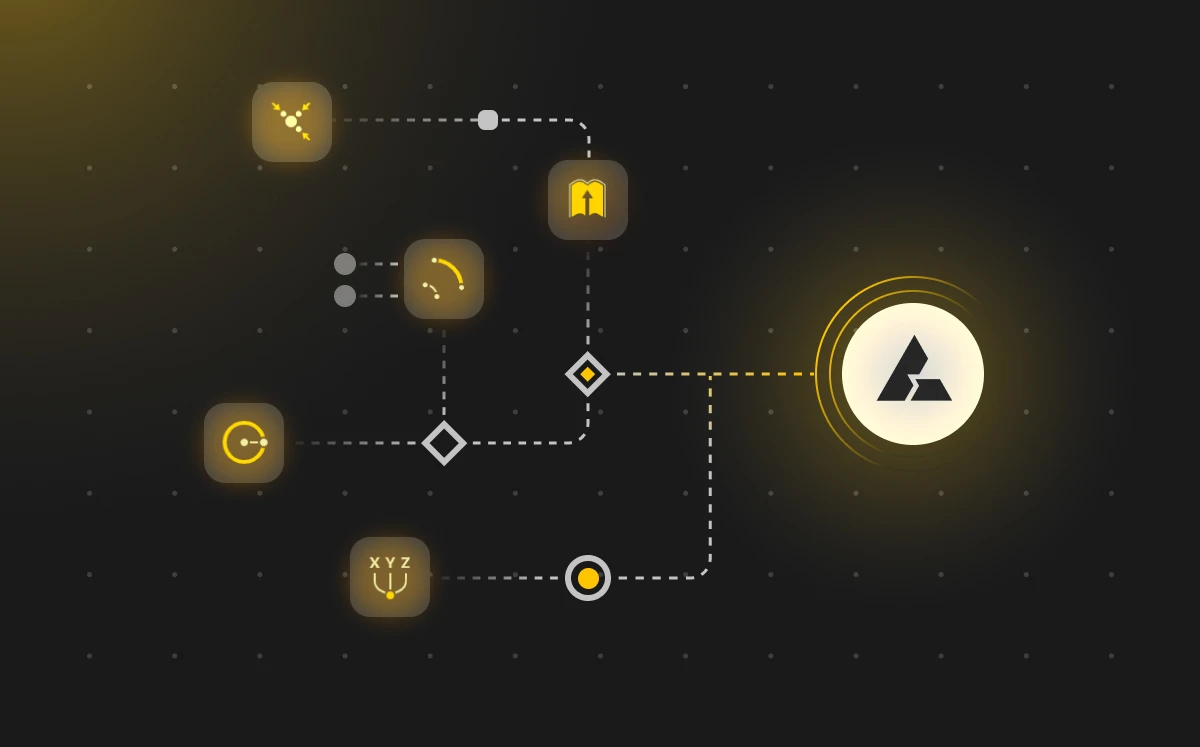
01Define Parameters
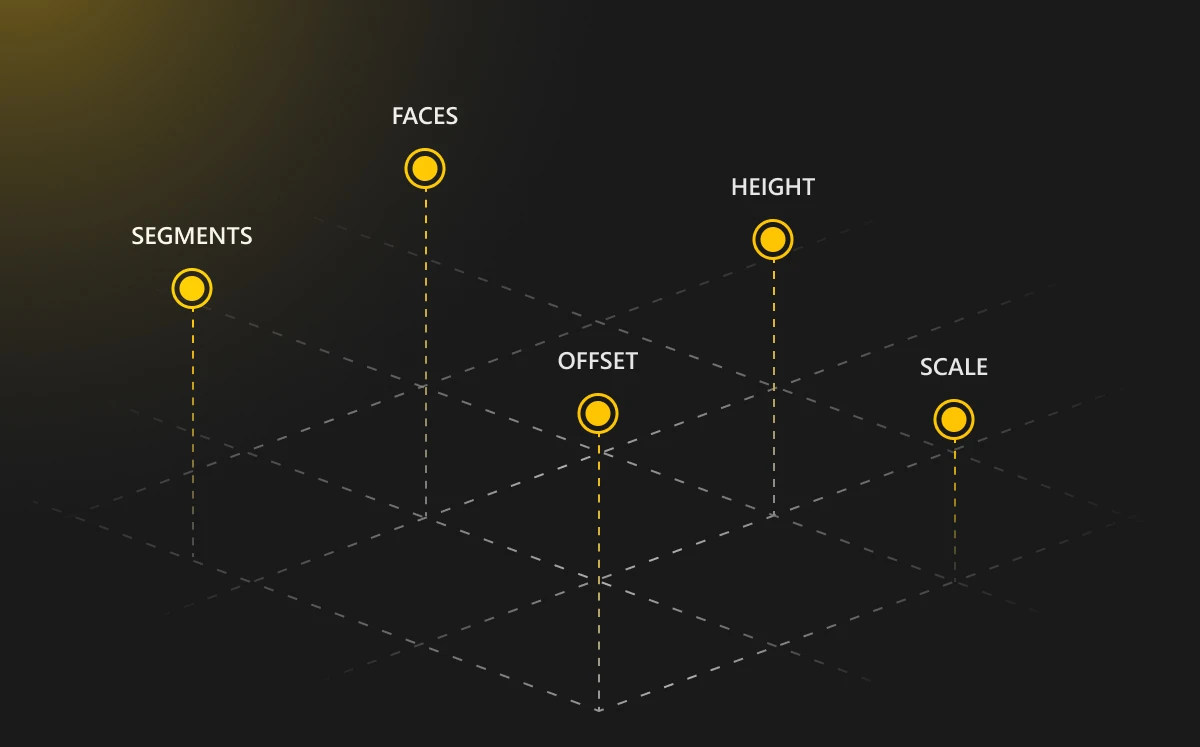
Start by choosing the inputs that drive your design - dimensions, counts, angles, materials. These become the levers you can pull later.
It is a way of designing where you set the rules and let the computer draw the form. Change a value, and the whole design updates itself.
Four moves that take you from a blank canvas to an adaptive, generative design system.
01Start by choosing the inputs that drive your design - dimensions, counts, angles, materials. These become the levers you can pull later.
 02
02Connect parameters with rules and logic. When one value changes, the others respond automatically through the relationships you defined.
 03
03The system computes the form for you. Every line, surface, and pattern is built from your logic - no manual modeling needed.
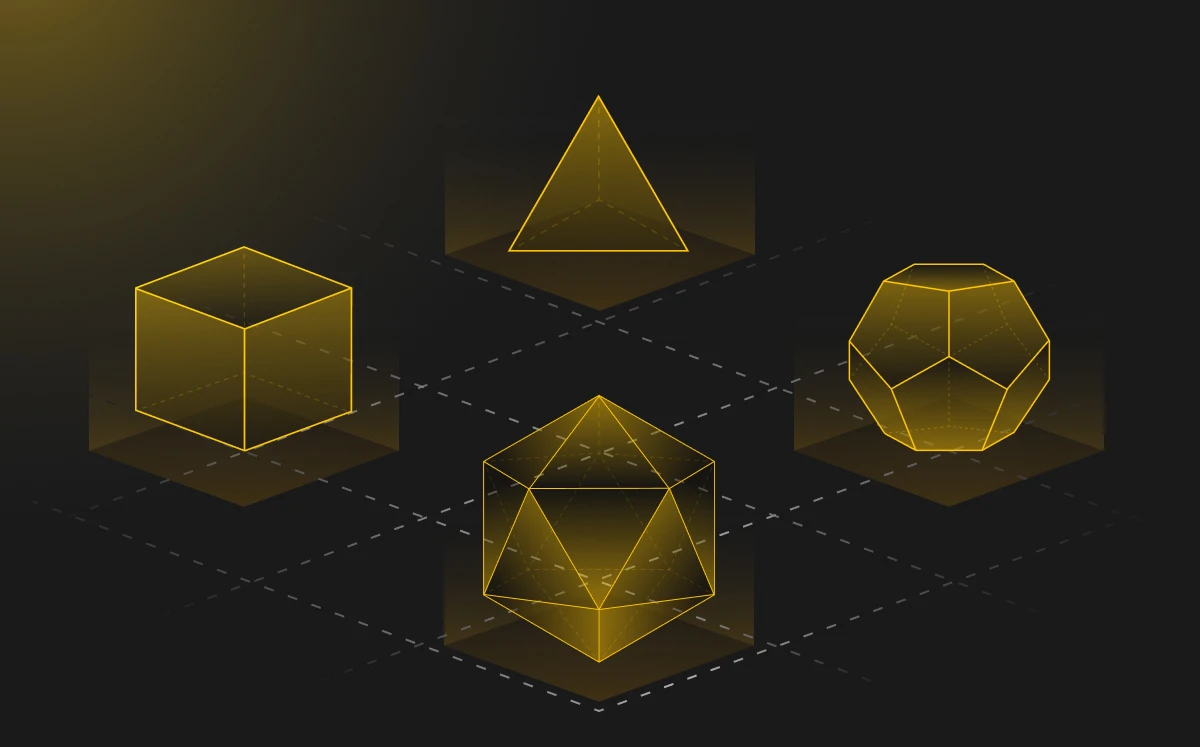 04
04Tune any parameter and the model updates instantly. Explore variations, refine the rules, and converge on the version that fits.
Feature | Parametric Design | Traditional Modelling |
|---|---|---|
Rule-based workflow | ||
Manual geometry control | ||
Automatic updates on change | ||
Precise form sculpting | ||
Rapid iteration | ||
One-off custom modeling | ||
Reusable design systems | ||
Handles complex relationships | ||
Supports design variations |
Architects use parametric design to drive building form from a small set of controlling variables. Change the sun angle, the floor count, or the unit spacing, and the façade, structure and floor plate all update together through the same rule-system.
Furniture designers define a parametric rule-system once, then derive entire families of seats, shelves, and tables from it. Adjust the span, the spacing, or the material thickness and every piece re-dimensions itself without redrafting.
Manufacturers apply parametric logic to produce thousands of product variations from a single master model - adjusting dimensions, tolerances, and cut-lists automatically for every order, with the same script driving every machine on the floor.
Product designers build parametric models where changing one input - grip size, wall thickness, mounting hole spacing - updates the entire form, enabling rapid iteration across an entire product line.
Jewellery and fashion designers use parametric systems to create intricate, custom-fit pieces. The same rule-system adapts ring sizes, lattice densities, or garment forms to individual measurements - one script, endless fitted variants.
Educators use parametric tools to teach how geometry, math, and logic connect - letting students see how changing a parameter instantly reshapes a 3D model in real time, turning abstract ideas into tangible play.
BeeGraphy brings parametric design to the cloud. Here's what makes it stand out.
Build models using logic blocks instead of code. Drag, connect, and watch your design come to life in real time.
Work alongside your team from any device. See each other's changes instantly, leave comments, and iterate together.
Export production-ready files in DXF, SVG, STL, OBJ, STEP, and more. From idea to fabrication without the friction.
Turn your parametric models into live product configurators that customers can interact with directly in their browser.
Publish your parametric scripts to the marketplace, earn from every download, or remix work shared by other designers.
Build models using logic blocks instead of code. Drag, connect, and watch your design come to life in real time.
Work alongside your team from any device. See each other's changes instantly, leave comments, and iterate together.
Export production-ready files in DXF, SVG, STL, OBJ, STEP, and more. From idea to fabrication without the friction.
Turn your parametric models into live product configurators that customers can interact with directly in their browser.
Publish your parametric scripts to the marketplace, earn from every download, or remix work shared by other designers.
Adjust parameters and see a live parametric model respond instantly. No setup, no installation - just explore.
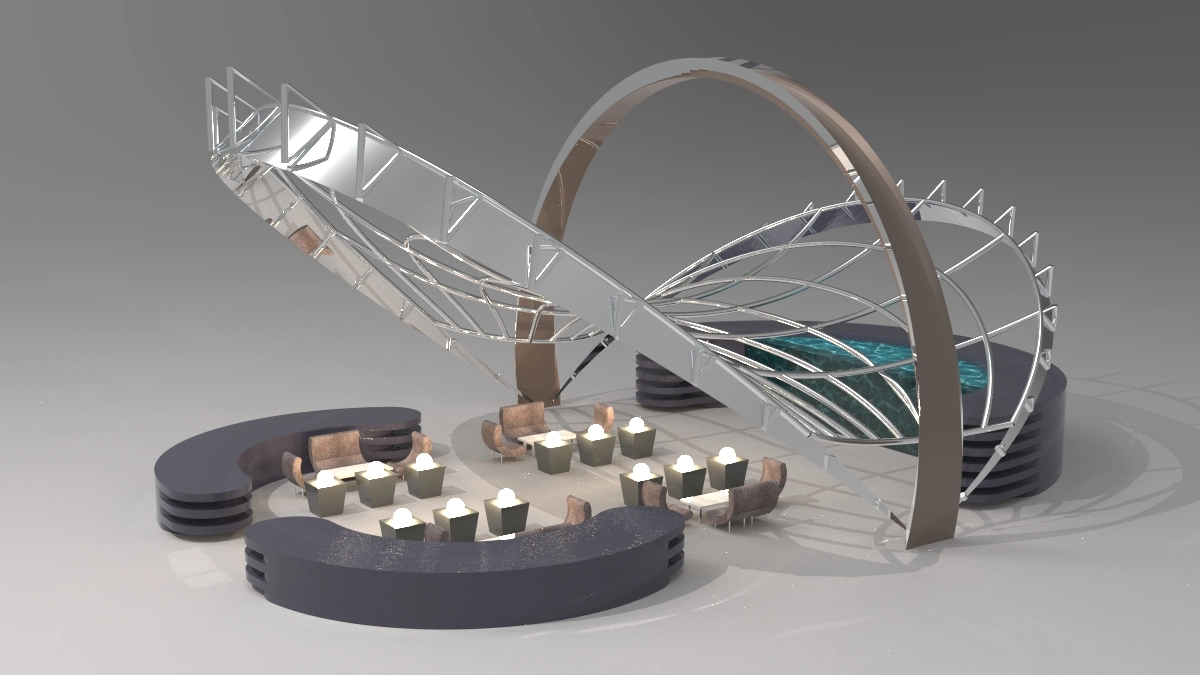
A fully parametric cafe interior design with adjustable dimensions and furniture placement.
by Suren Saghiyan
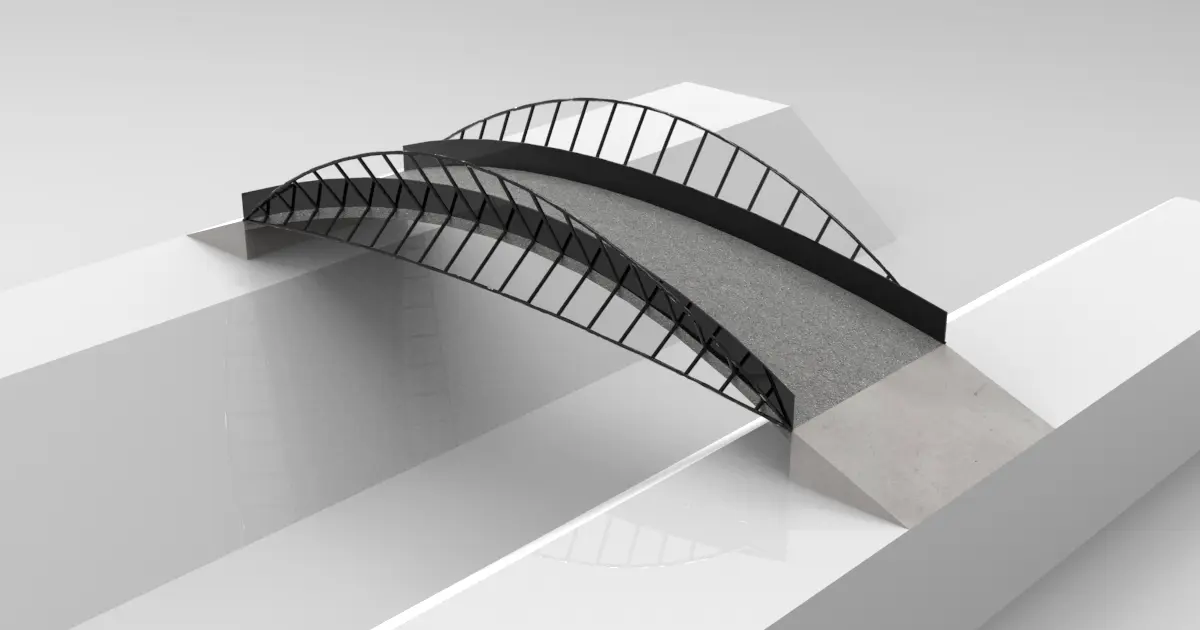
A curved pedestrian bridge generated from arch and loft logic with adjustable span and profile.
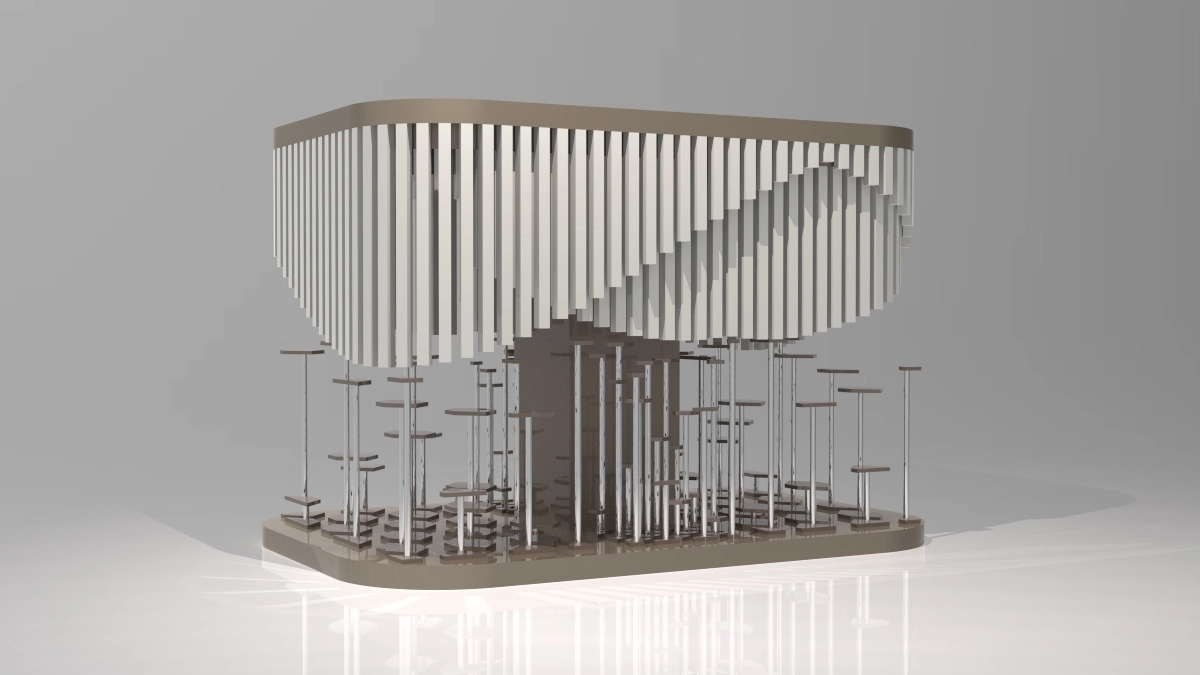
A wave-driven pavilion roof shaped by graph-mapped gradients for an organic, undulating form.
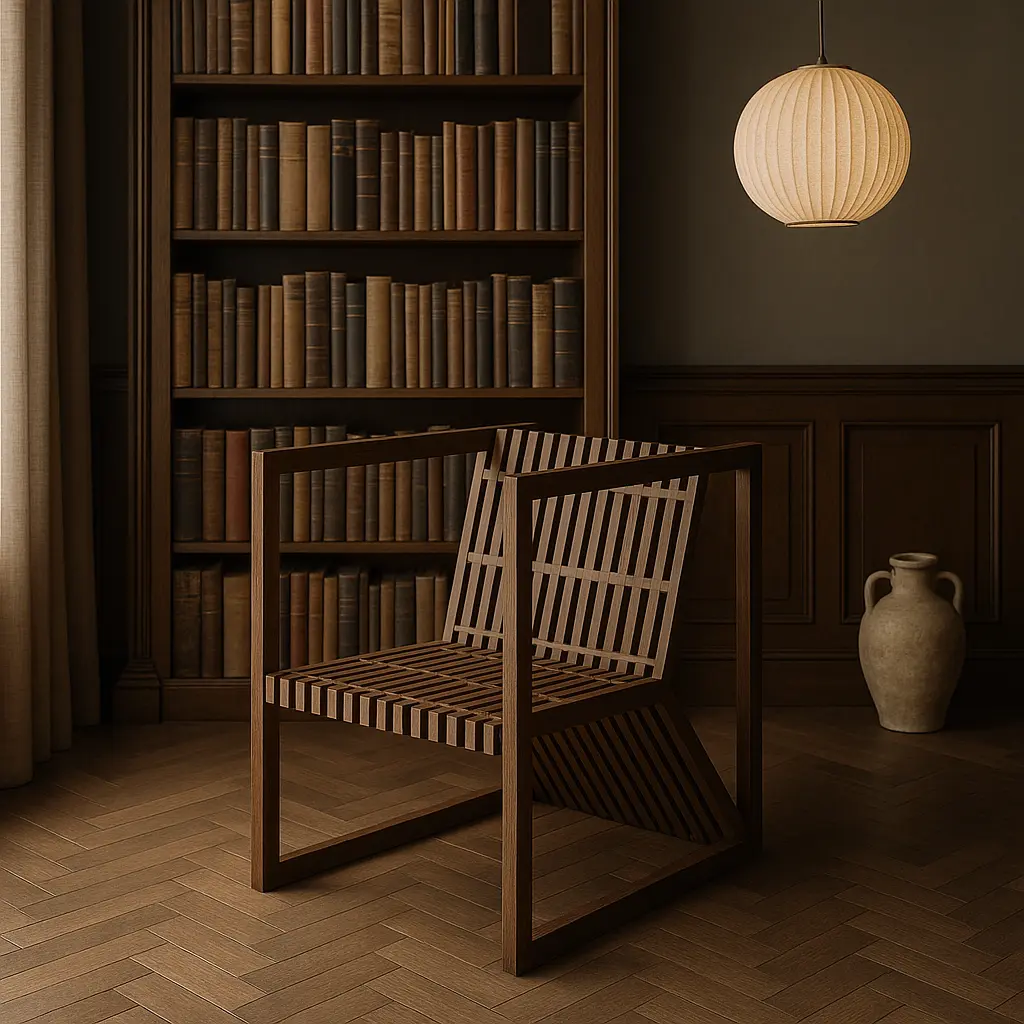
A parametric chair built from a wooden grid frame with adjustable proportions.
Join thousands of designers who are already creating the future with parametric tools. No installation, no cost to start-just open your browser and begin.