


BeeGraphy for AEC
BeeGraphy brings parametric design to architecture, engineering, and construction. Describe a building as rules, set facade logic, structural depth, and environmental targets, then generate fabrication-ready geometry that updates itself when the inputs change. All in the browser, no install.
Where teams use BeeGraphy in AEC
With BeeGraphy, AEC teams treat geometry as logic. A facade isn't a set of panels, it's a rule that produces panels from sun angle, view, and structural depth. A column grid isn't a pattern, it's a function of span, load, and program. When the inputs change, the model updates itself, so teams hit performance targets, fabrication tolerances, and design intent at once, on a single model. The projects below show what parametric design makes possible, and BeeGraphy puts that workflow in your browser.
Continuous, double-curved surfaces that would be impossible to draw by hand emerge naturally when geometry is described as a system. The rules stay readable; the form follows.
What you can design with Beegraphy
Three product directions, one parametric editor. Configure once, output for fabrication.
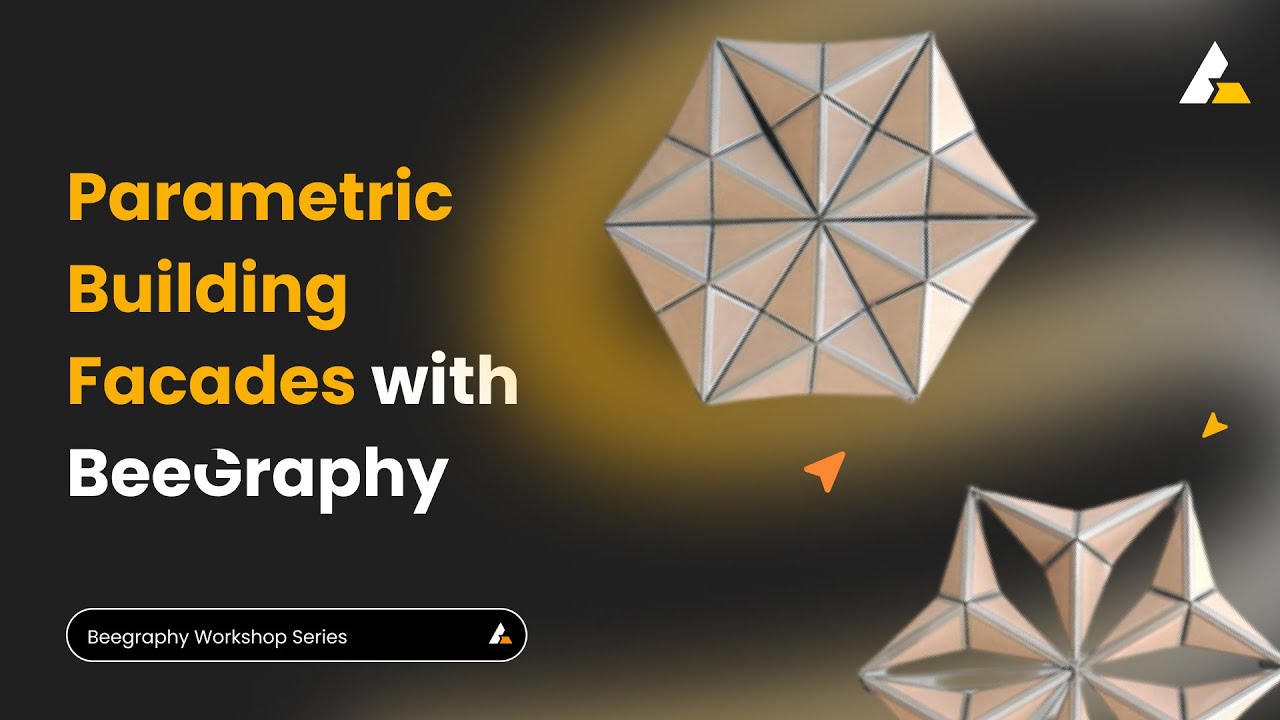
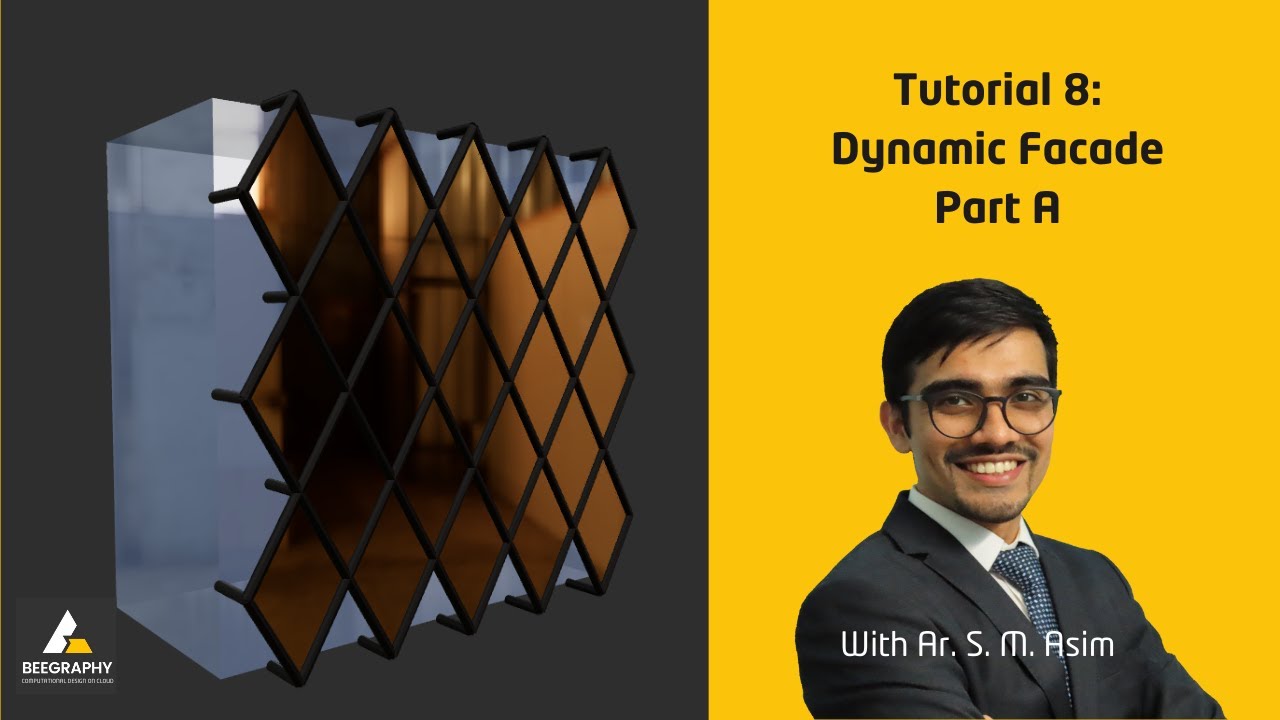
Facade
Every panel, fin or screen generated from a single parametric definition.
- Perforated panels
- Mashrabiya screens
- GFRC cladding
- Kinetic louvres
Urban Furniture
One parametric kit; an entire street-furniture family - and growing.
- Benches
- Planters
- Bus shelters
- Pavilions
Interior
One system, endless rooms - every fit-out follows from the same rules.
- Partitions
- Ceilings
- Lattices
- Parametric joinery
Define Parameters
Set the rules: dimensions, panel logic, structural depth, material constraints, environmental targets. Everything downstream depends on these.
Optimize & Validate
Use plugins to run daylight, structural, and cost simulations across hundreds of variants, then pick the option that meets every constraint at once.
Documentation & Drawings
Export DXF files straight from the parametric model and automate drawing generation, so documentation updates itself whenever the design changes.
Fabrication
With built-in CAM support, generate toolpaths and go straight to CNC-milling, laser-cutting, 3D-printing, or robotic welding from parametric output. Every part gets a unique ID and toolpath.
Construction
On-site assembly is sequenced from the same model. Panels arrive numbered, geometry already proven against site constraints.
Adjust values, switch materials, and watch the model respond instantly. No install required.


Open Beegraphy in the browser and start defining the rules of your next building.